
How to deposit to AIShared-Mall
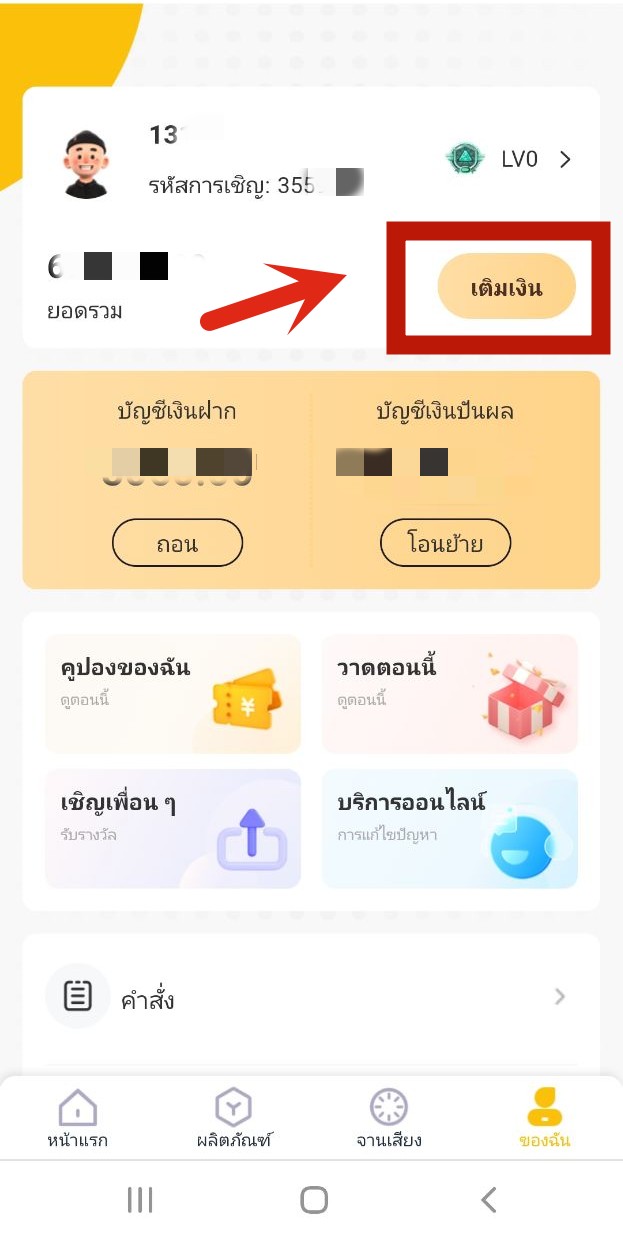
It is very simple to deposit on AIShared-Mall, you can log in to the mobile terminal of AIShared-Mall and click [My]
Click "Recharge"
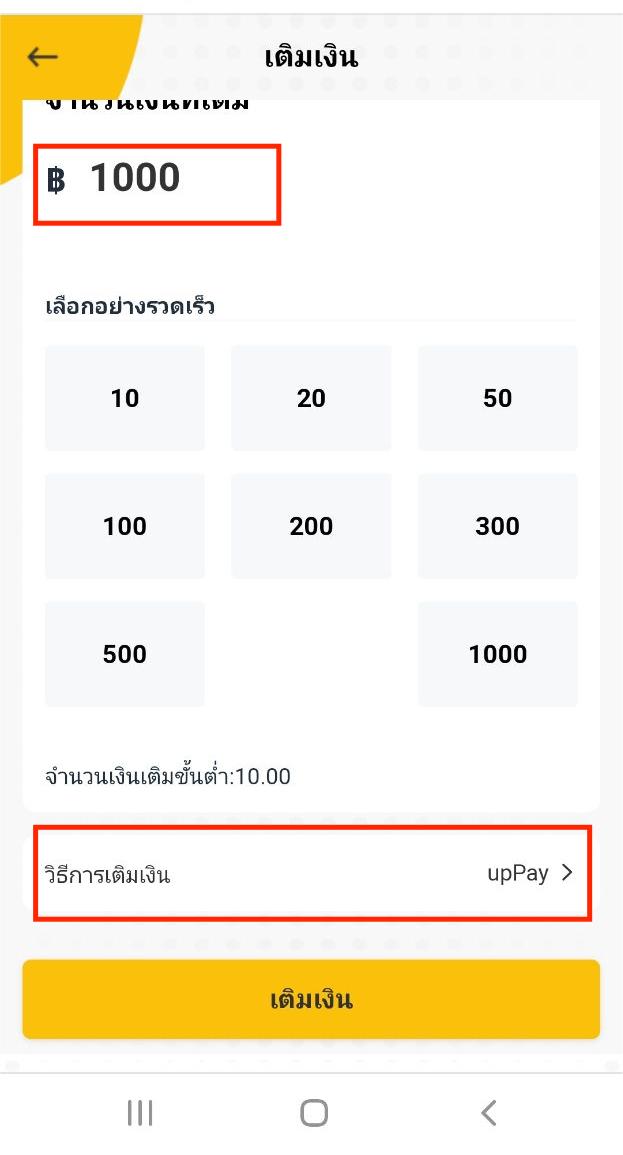
After entering the amount to top up, select the deposit method (upPay) you will use.
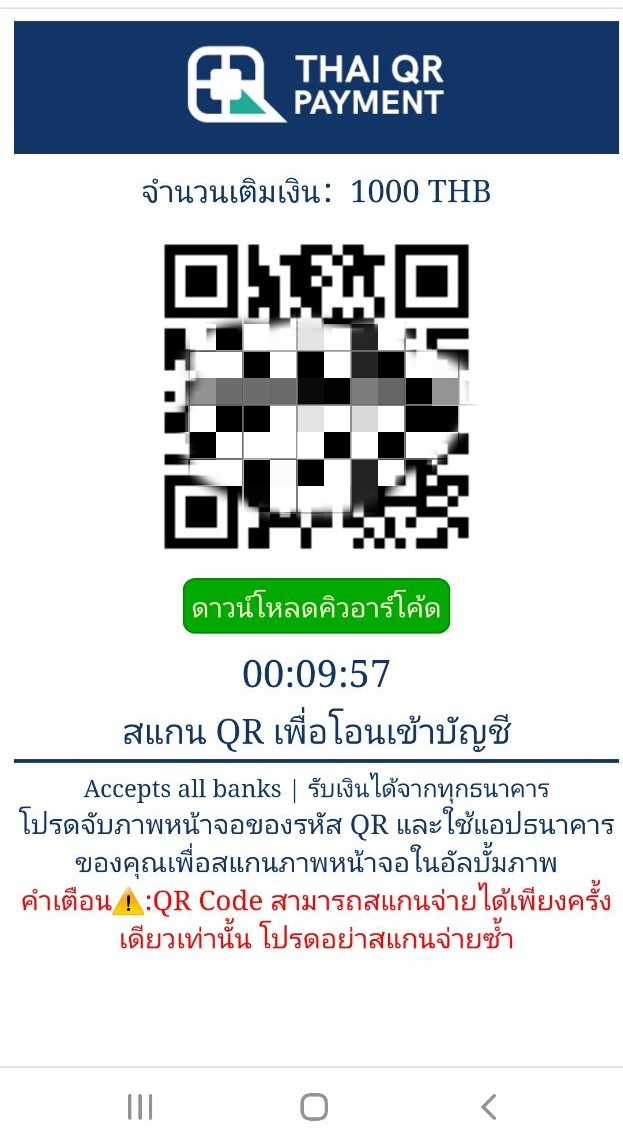
Then scan the QR code to transfer money to your account, AIShared-Mall accepts recharge from all banks, Note: QR Code can only be scanned once for payment, please do not re-scan If you need to recharge again, please repeat the above steps to get a new QR Code
After the recharge is successful, the funds will be deposited into your deposit account soon